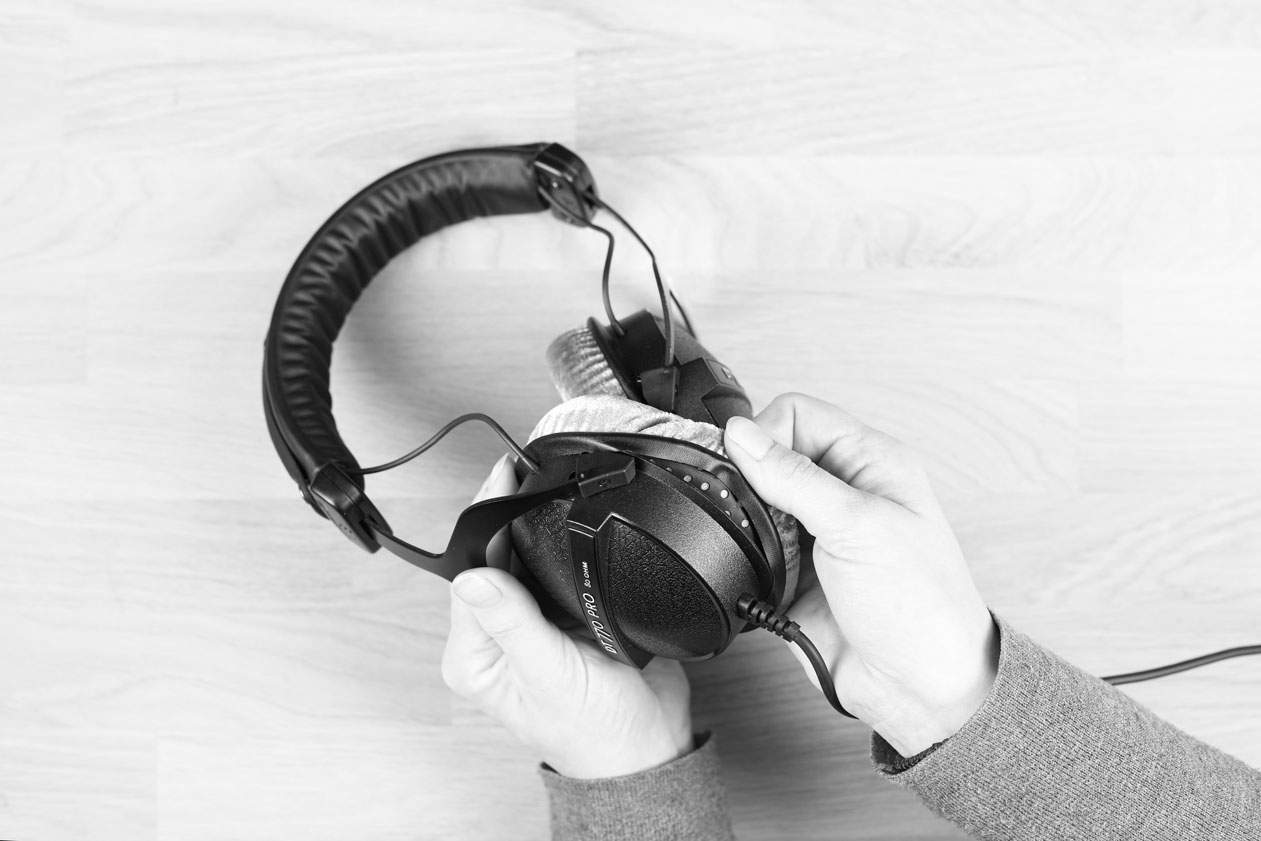
REFRESH YOUR CLASSICS: HOW TO KEEP YOUR STUDIO HEADPHONES IN TOP CONDITION FOR YEARS
A good pair of studio headphones often stays with you for many years – some of our models even for decades. To keep them that way, regular refreshing is key. With the right spare parts and a bit of care, your classic headphones remain sonically precise, hygienic and comfortable.
Longevity is a core part of our product philosophy. Many of our headphone models are built with a modular design. Ear pads or headbands, for example, can be replaced easily by yourself. This extends the lifespan of your headphones and helps reduce unnecessary electronic waste.
“Refresh Your Classics” shows you how to keep the PRO classics DT 770 PRO, DT 880 PRO and DT 990 PRO in top condition – with simple measures that cost little but make a big difference.
TABLE OF CONTENTS
Typical wear parts on studio headphones
Our studio classics are made from robust components. However, some parts wear faster due to daily use, sweat or UV exposure. These include:
Ear pads Over time, they lose shape and cushioning, which directly affects sound quality.
Headband The material can soften or crack, reducing comfort and stability.
Cable Bending, loose contacts or material fatigue may occur.
Covers / filters They protect the drivers. Dust or moisture can influence acoustics.
Replacing ear pads – for precise sound and lasting comfort
Ear pads are a key component influencing frequency response, isolation and wearing comfort. Over time, they lose shape, damping or material quality – and you can hear that immediately.
Typical signs that it’s time to replace them:
Ear pads feel hard,flattened or damaged
Passive insulation is noticeably reduced
Visible discoloratio
Headphones no longer sit securely
Sound loses precision
New ear pads restore the original sound and ensure a fresh, hygienic wearing experience. For hygiene reasons, we recommend replacing ear pads regularly to keep your headphones clean and prevent bacteria buildup.
An intact headband ensures your headphones sit securely and that the ear pads seal evenly. If the headband becomes soft, brittle or loses its shape, the fit changes. This leads to pressure points and can also affect sound quality, as the ear pads no longer seal properly.
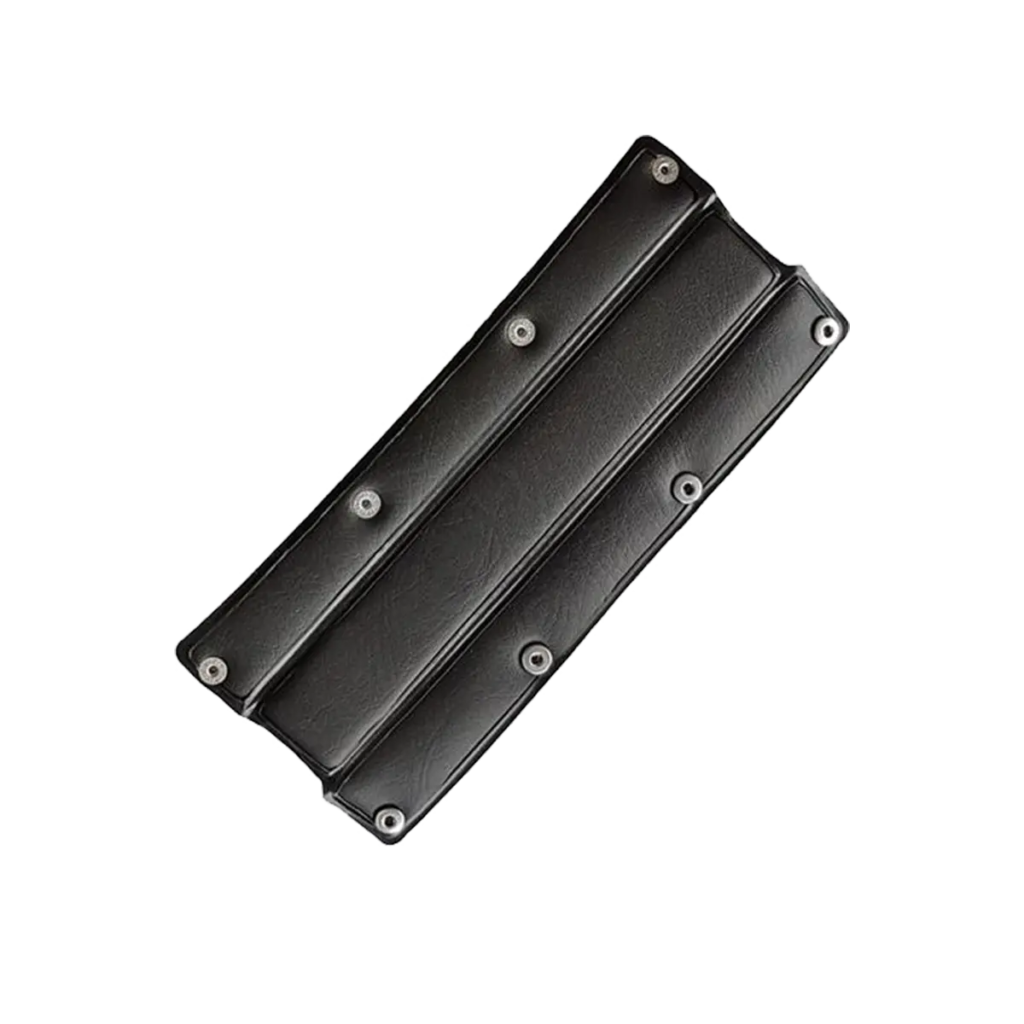
Instead of replacing the entire headphone, simply swap the headband. Our classics – DT 770 PRO, DT 880 PRO and DT 990 PRO – feature a modular design. The headband is buttoned and can be replaced in just a few steps.
This restores a stable fit, improves comfort noticeably and keeps the ear pads correctly aligned. You significantly extend the lifespan of your headphones and continue using your existing equipment without wasting resources.
Replacement headband (buttonable) for PRO Classics
The cable is one of the typical wear parts on studio headphones. Especially with daily use, bending or material fatigue can occur.
On PRO classics, the cable is permanently attached and not detachable. If a defect occurs, the cable is replaced professionally. Our service team ensures a reliable repair so your headphones continue to perform flawlessly.
Cable replacement is recommended if:
Loose connections occur at the plug
Distortion or dropouts appear
There is visible damage
You want a different cable length or a coiled cable
Additional Care
Sticky areas on plastic surfaces are no cause for concern. These residues can occur through frequent skin contact. In most cases, mild soapy water is sufficient to clean the affected areas gently and safely.
Regular Maintenance – The 10-minute routine
A short routine helps keep your headphones in shape for longer. Suitable for all models:
Wipe ear pads Use a slightly damp, soft cloth. Avoid aggressive cleaners.
Check headband Look for signs of material fatigue.
Inspect headband mechanics Ensure joints and sliders move smoothly.
Check the cable Watch for bends and stress points near the plug.
Store safely Store securely (e.g. using a headphone stand) and transport in a bag or case.
These steps take little time but significantly extend the product’s lifespan.
Original spare parts – why they matter
Original spare parts are precisely matched to your model. They preserve the original sound signature, correct damping and a secure fit over long-term use. Studio headphones are especially sensitive to changes. Incorrect ear pads or unsuitable materials can noticeably alter the sound.
In our spare parts catalogue, you can filter specifically by your headphone model and immediately see which parts are compatible. This makes it easy to find exactly the accessories your headphones need.Find your spare parts now >
Conclusion: Small changes, big impact
With a few simple upgrades, your studio headphones remain reliable for many years. You keep the sound you know and enjoy full comfort again. At the same time, you conserve resources by continuing to use your existing equipment instead of replacing it.
“Refresh Your Classics” means: With minimal effort, you get the best out of your headphones.